- AI employee headshots
- Use case by goal
AI employee headshots: from selfie to business portrait.
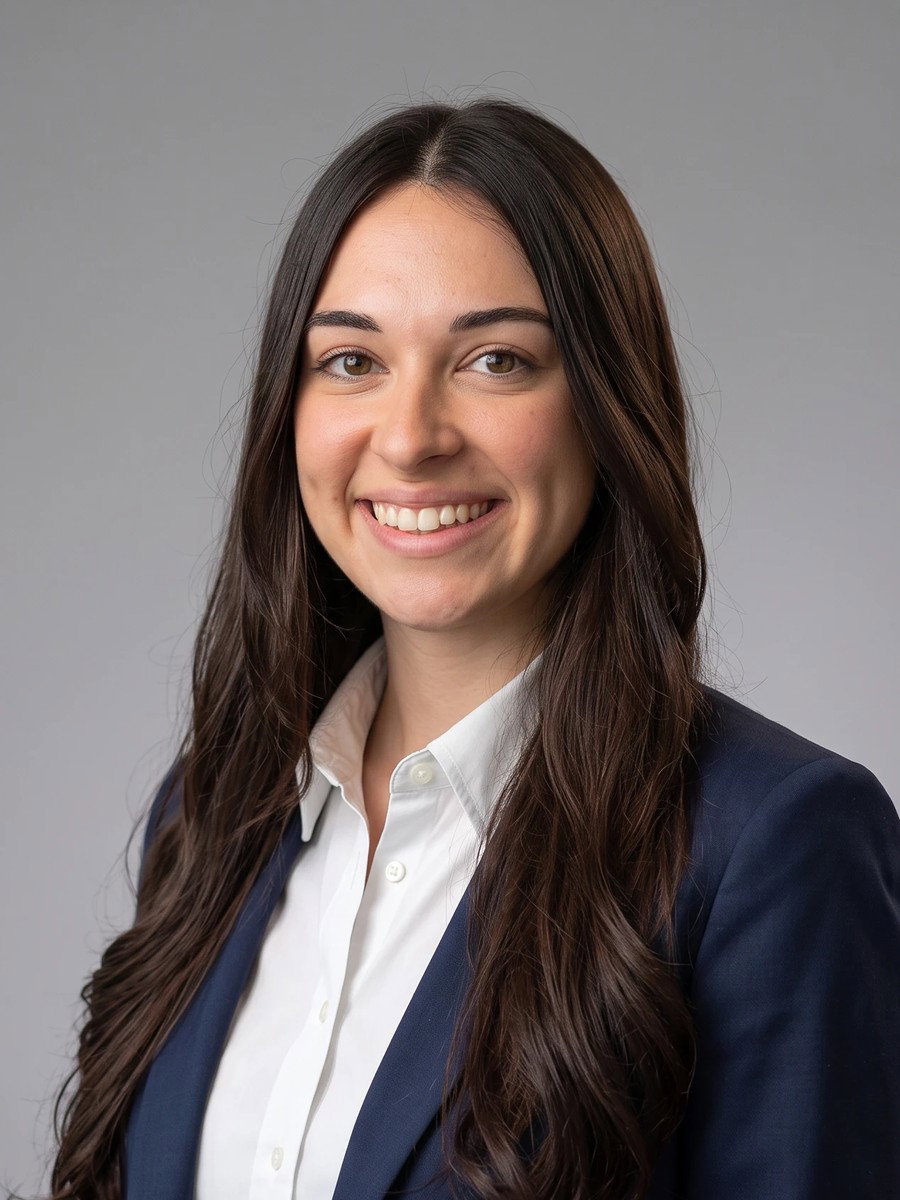
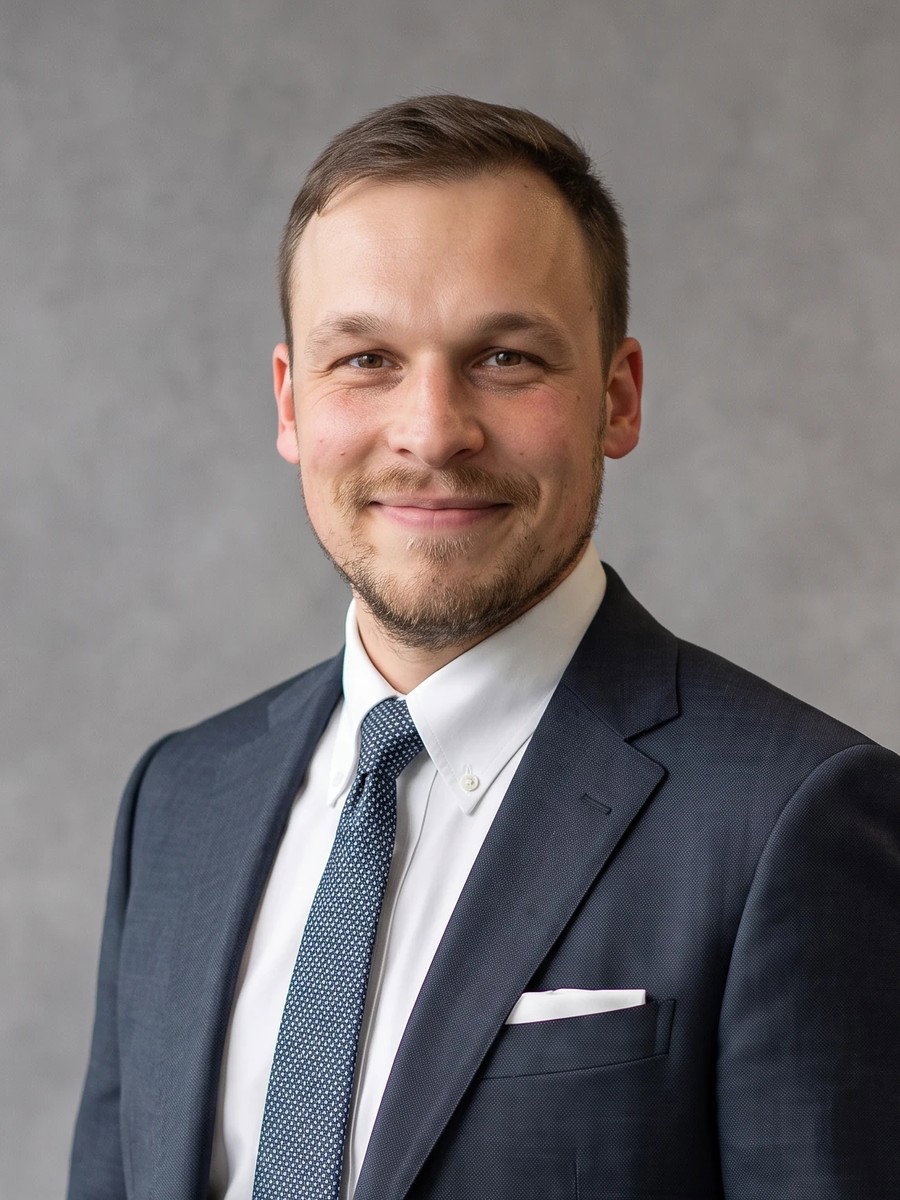
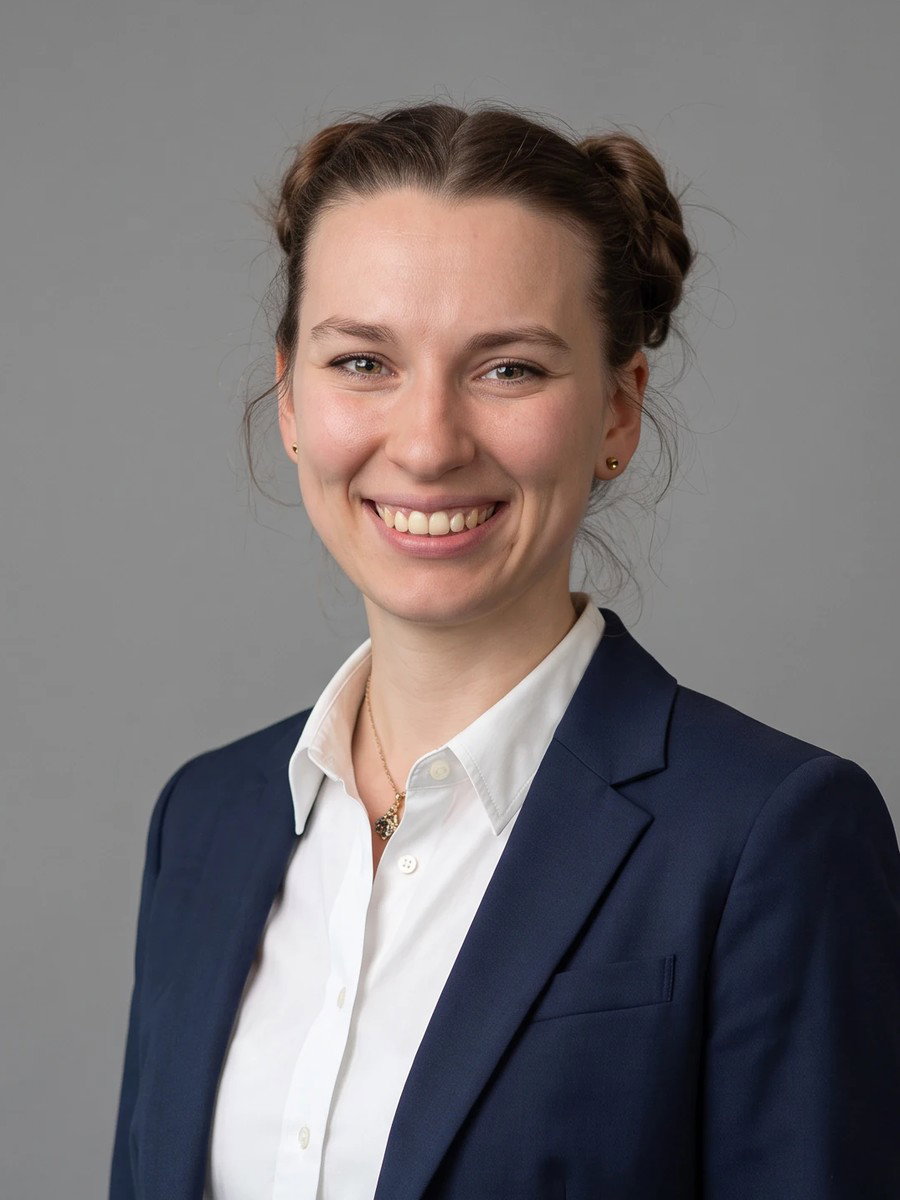
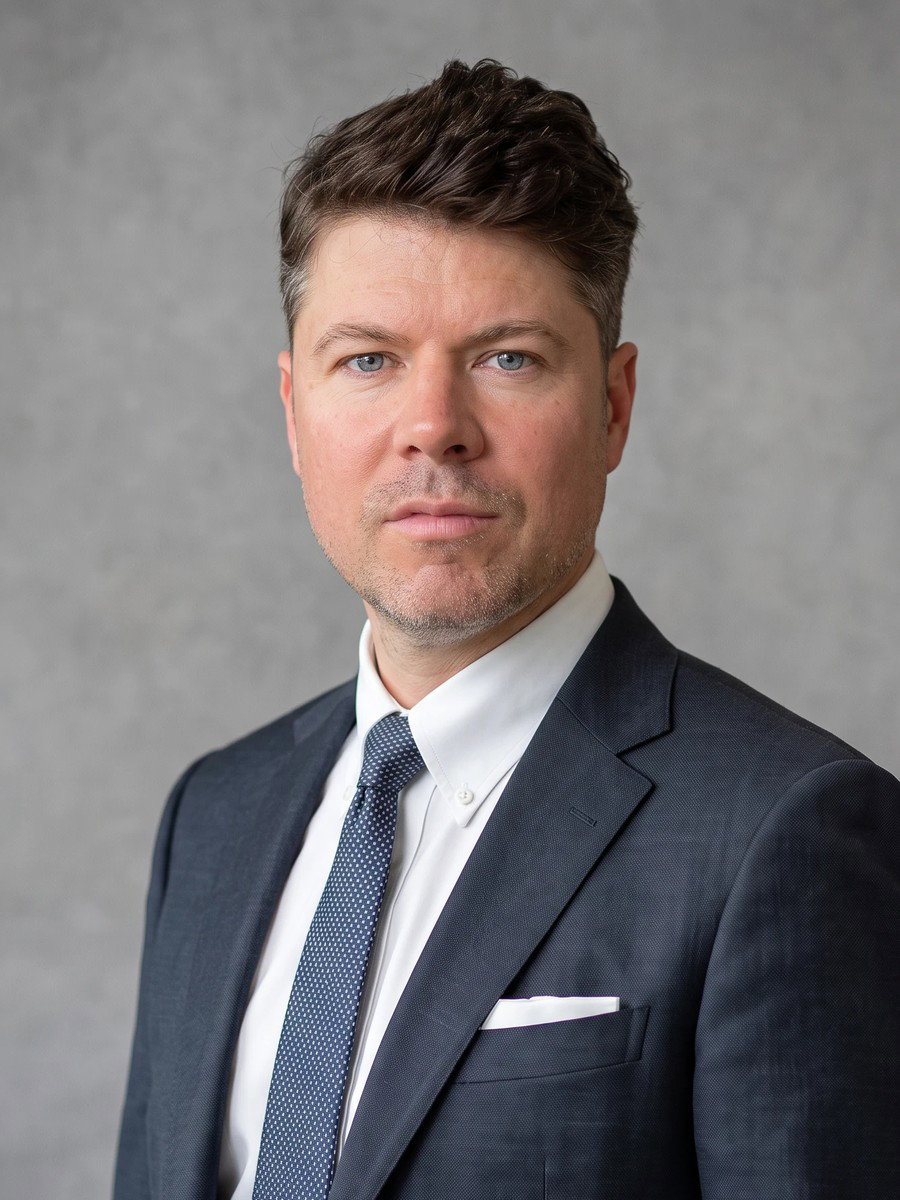
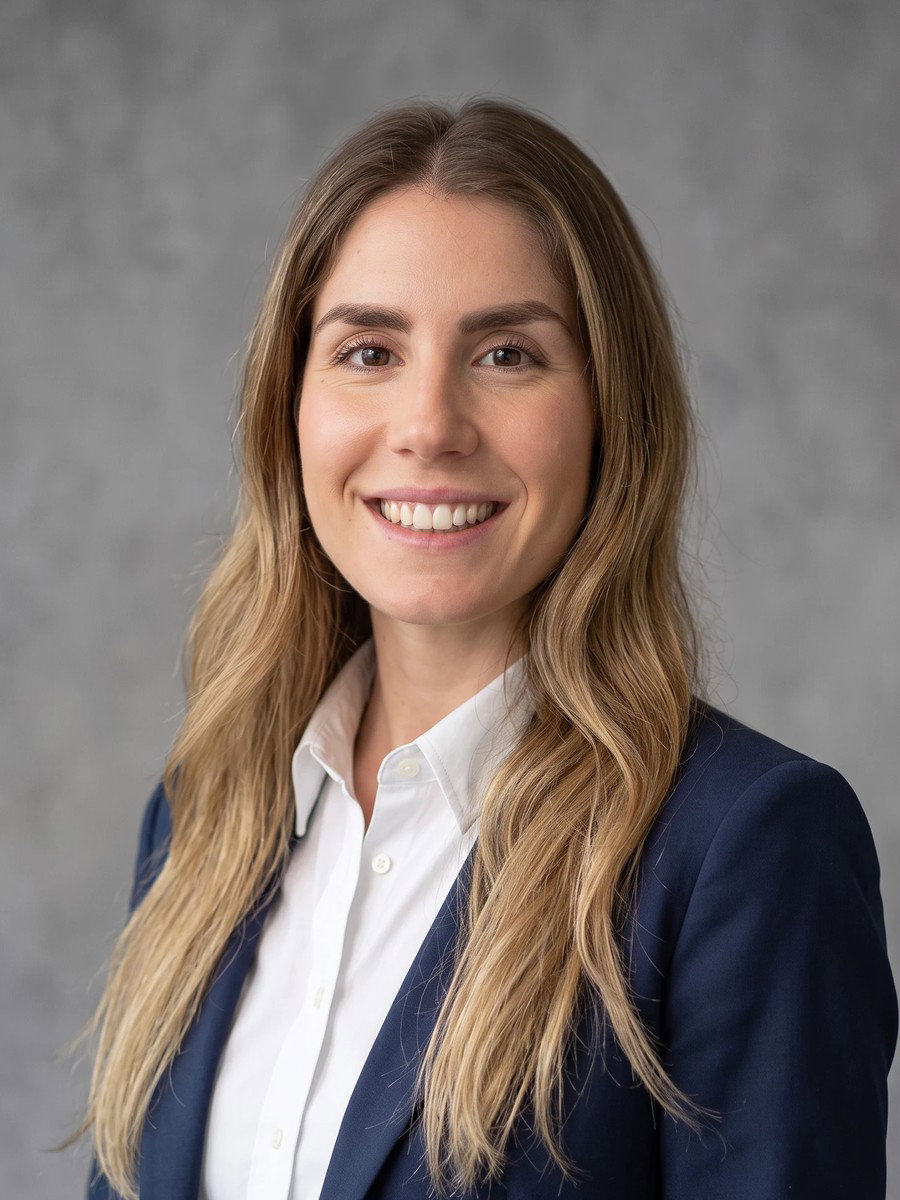
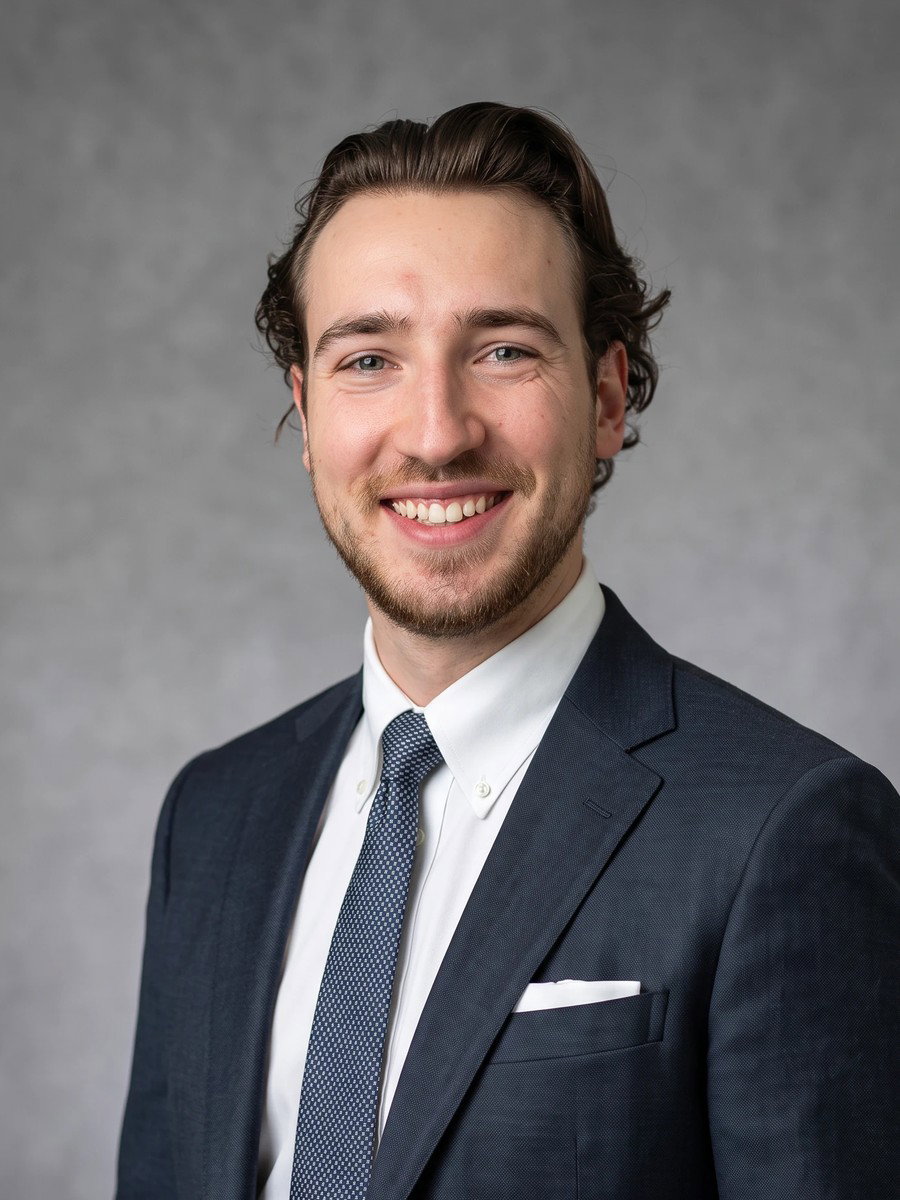


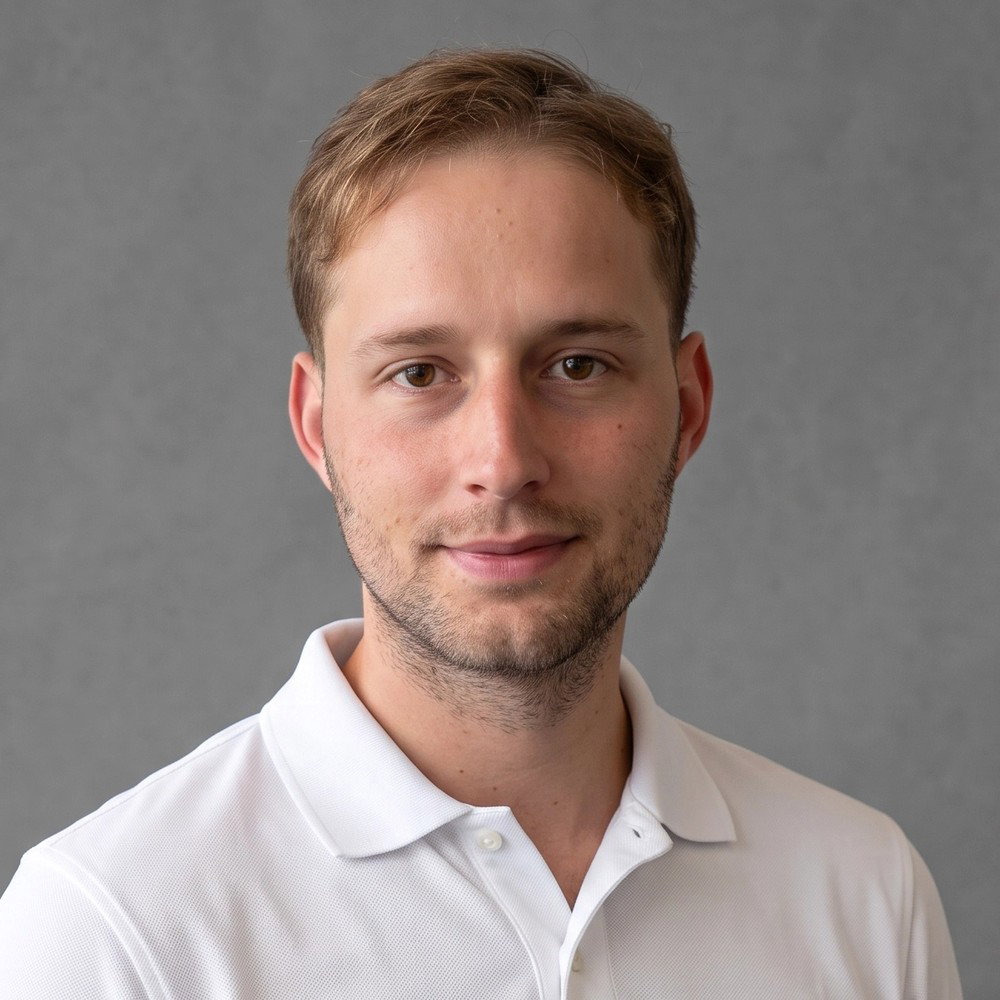
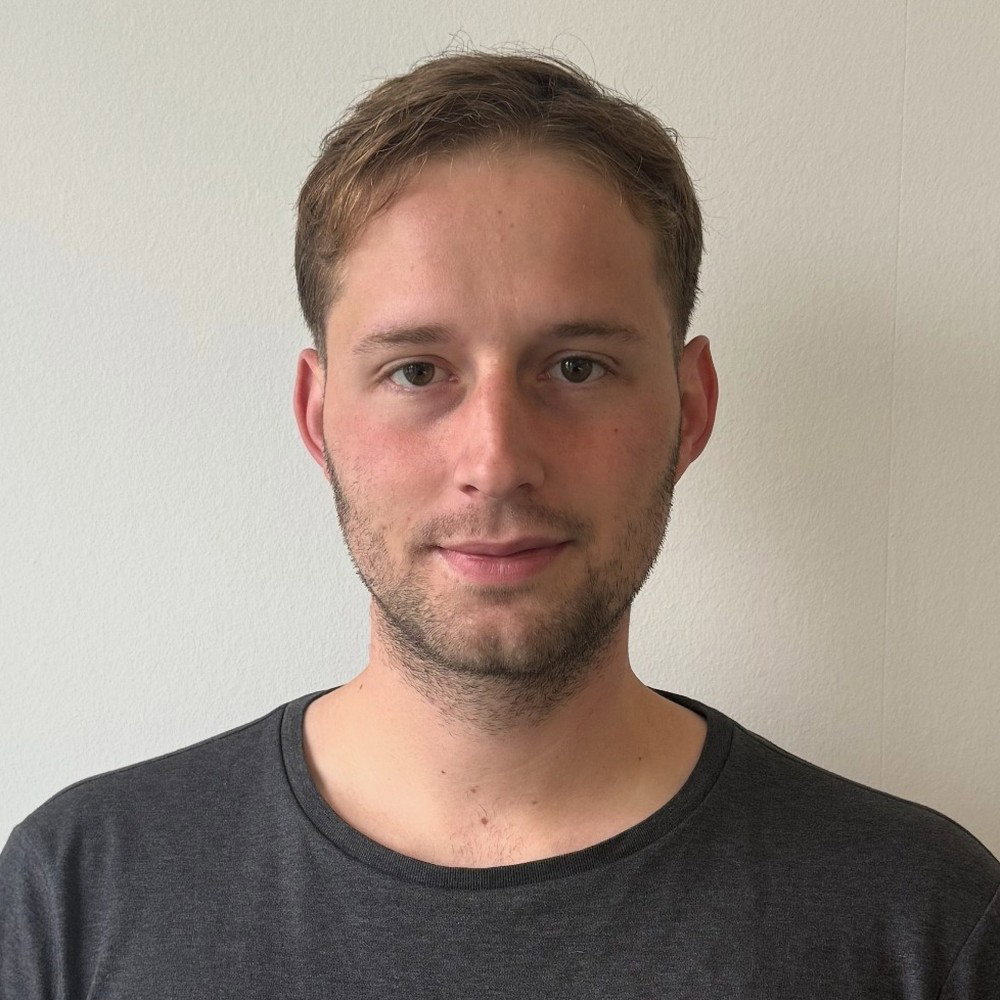
A selfie becomes an employee photo
No photo appointment, no studio, no tripod: your employees take a selfie on their smartphone. From it, the AI creates a business portrait with a fitting pose and clothing. It then runs through the same image processing as every other portrait at betterPortrait – background, lighting and crop follow your preset. That way, AI employee headshots fit seamlessly with the images you already have.
Take a selfie
Employees receive a link and take their selfie on their smartphone – no app, with short guidance. It works at the office, at home or on the go.
AI creates the portrait
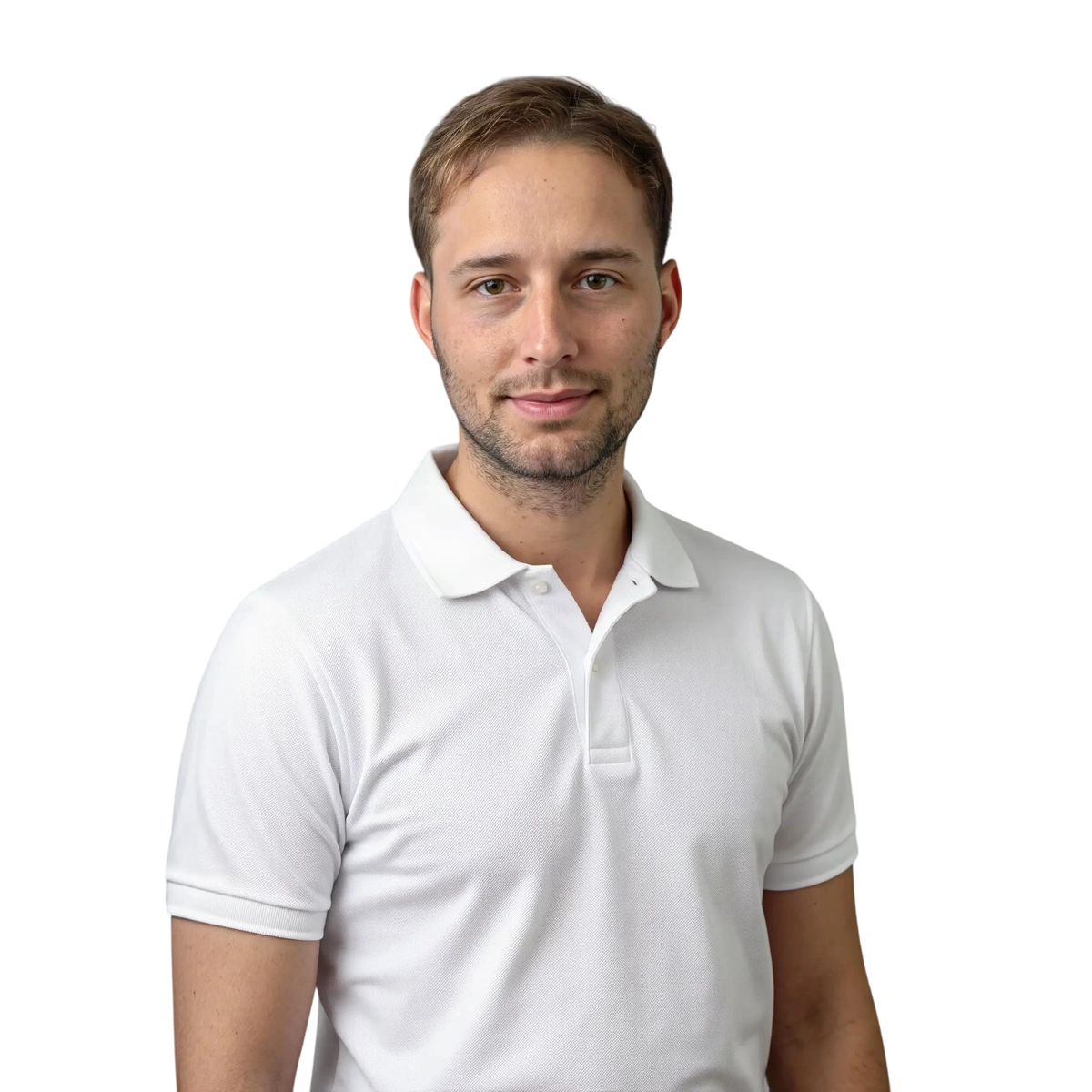
The AI turns the selfie into a business portrait: pose and composition are adjusted and, if you wish, the clothing to match your dress code. The variants are created before submission – the person sees every image and chooses for themselves.
Confirm and use everywhere
The image is only submitted once the person confirms it. The portrait is then cut out and is ready with any background and in any format – for the website, intranet, Microsoft Teams, ID cards and email signatures. The AI label travels with it into every format.
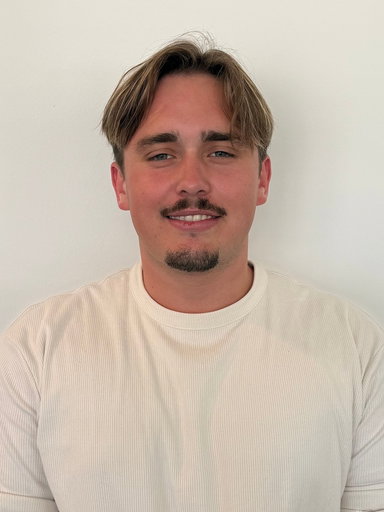
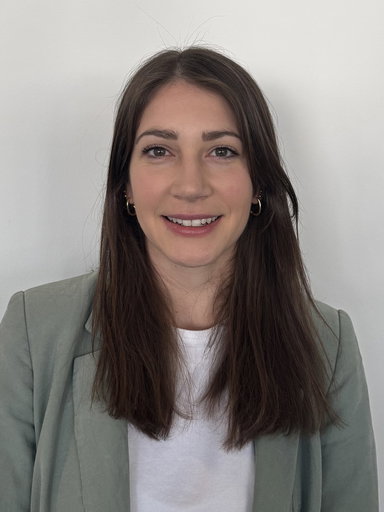
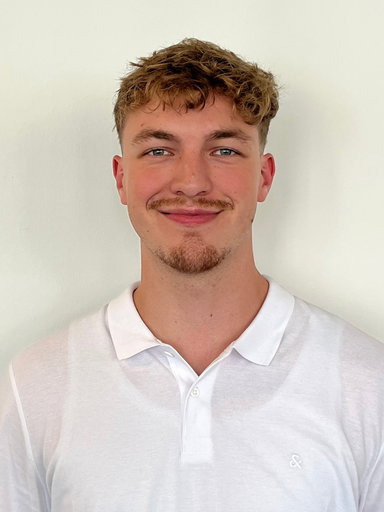
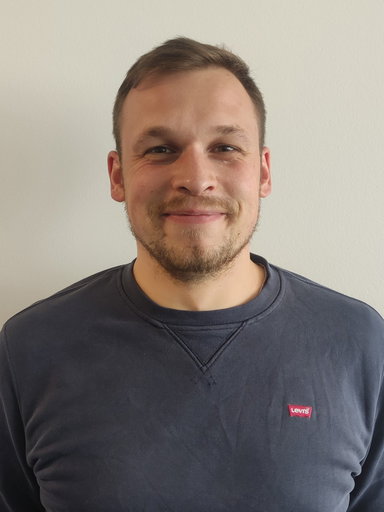
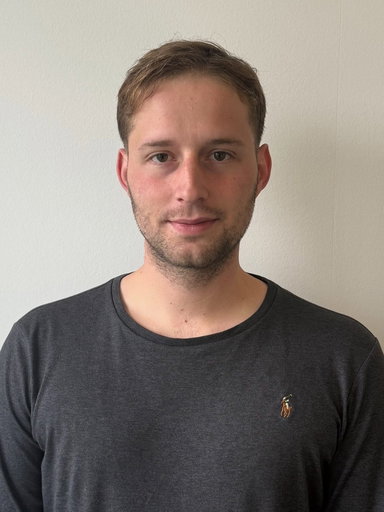
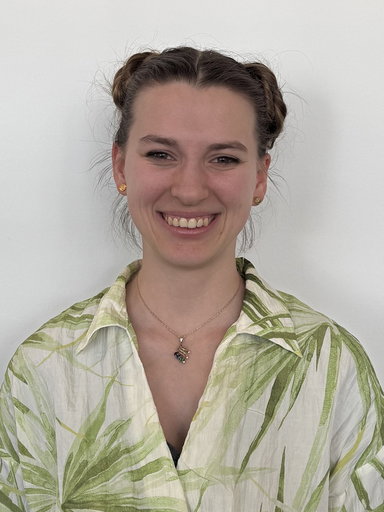
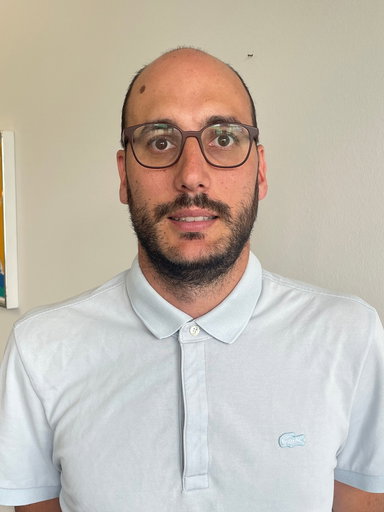
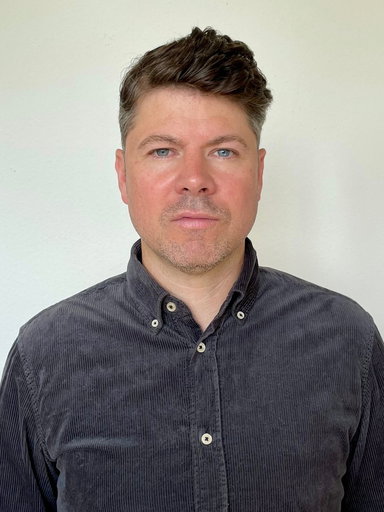
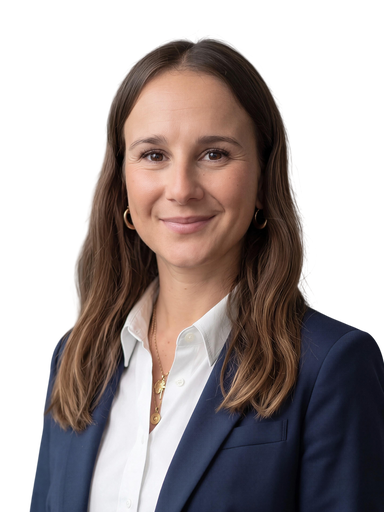
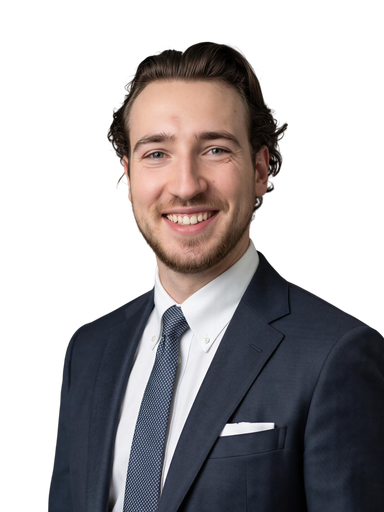
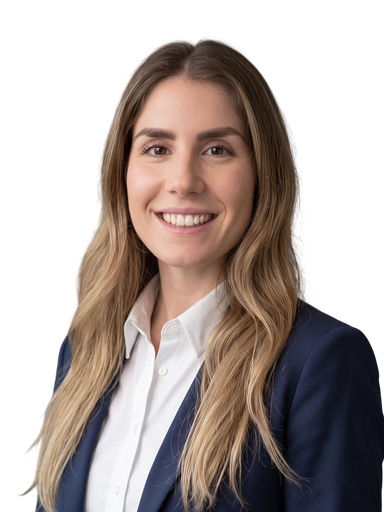
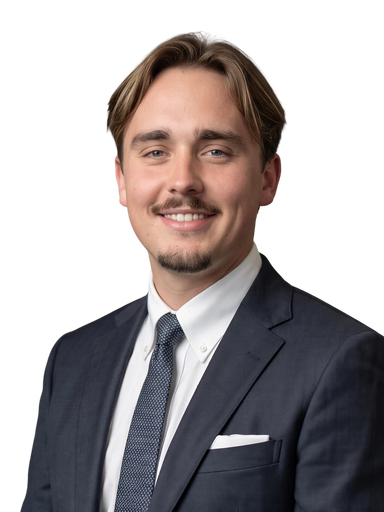
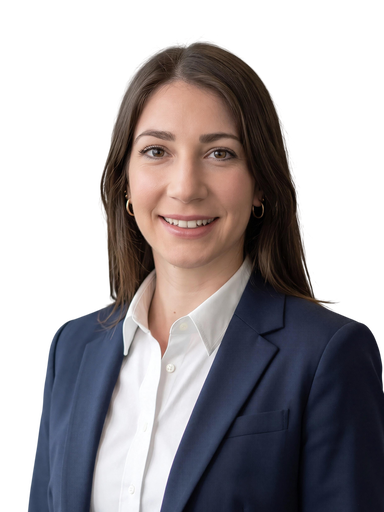
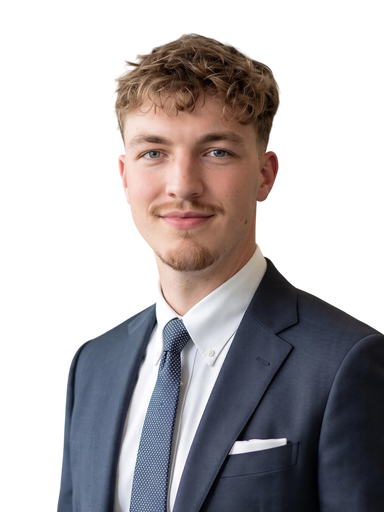
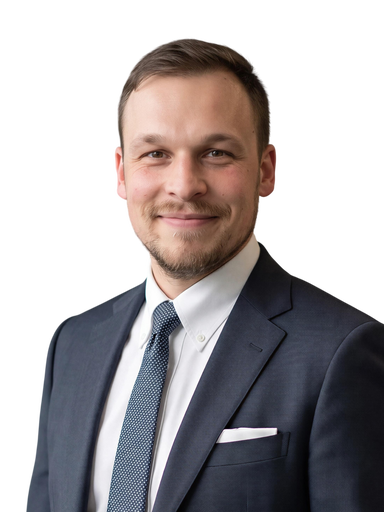
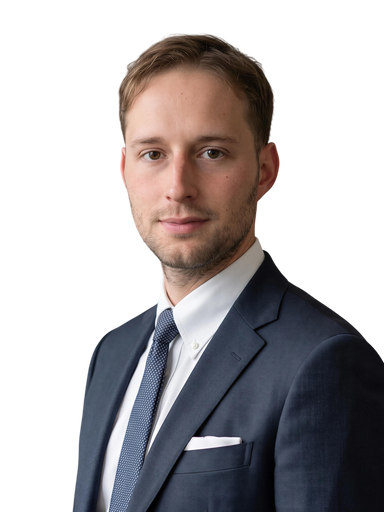
One photo in, one AI portrait out
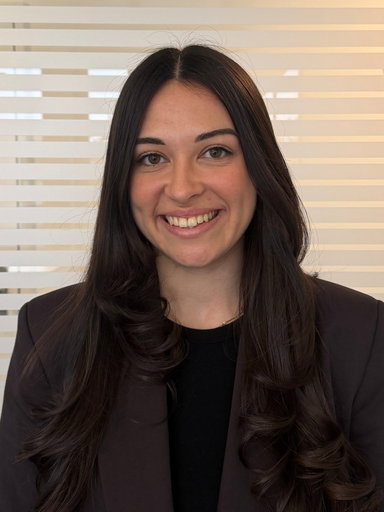
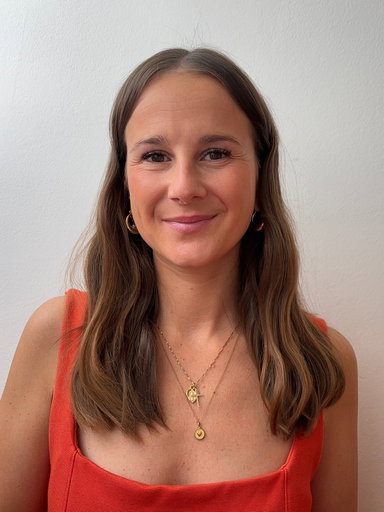
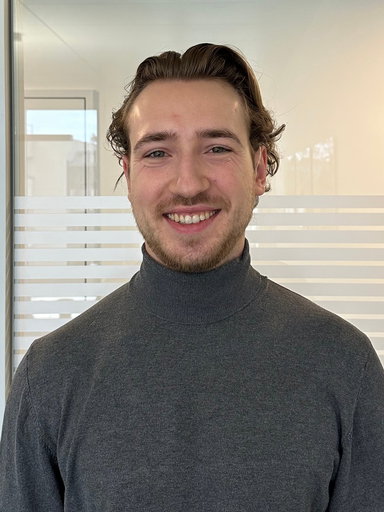
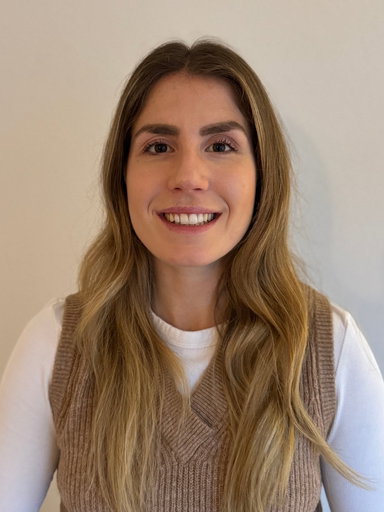
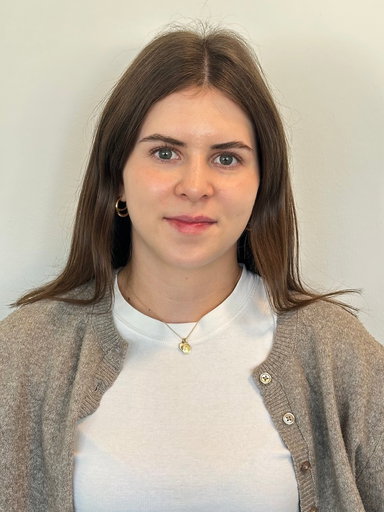
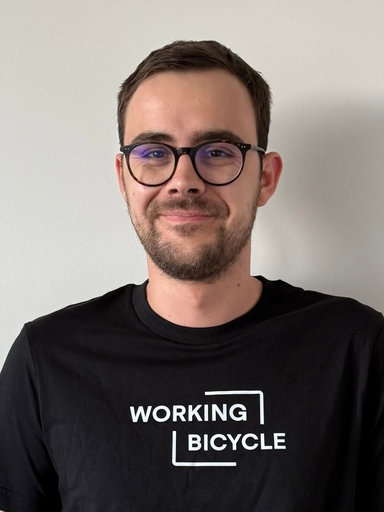
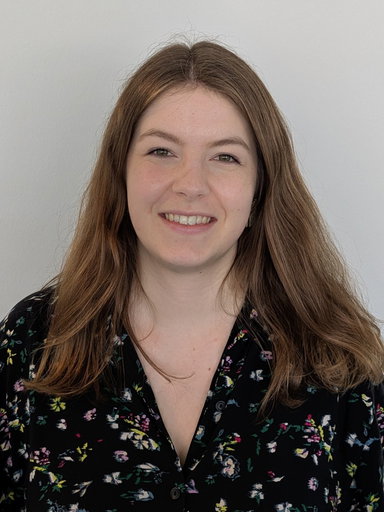
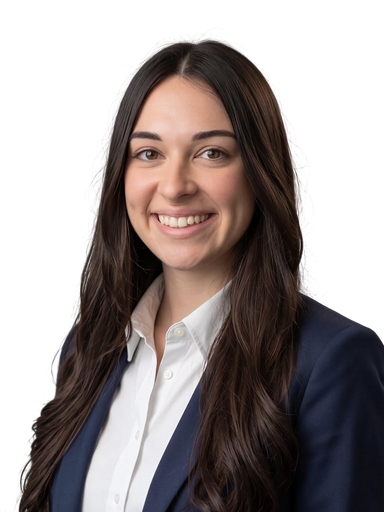
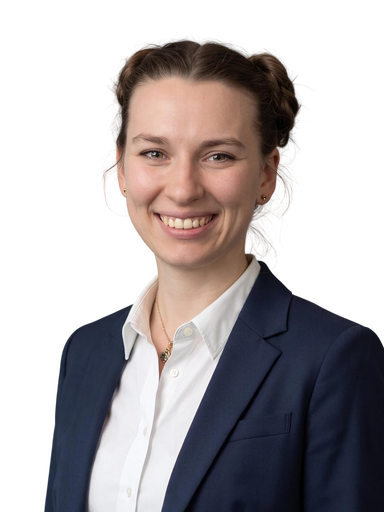
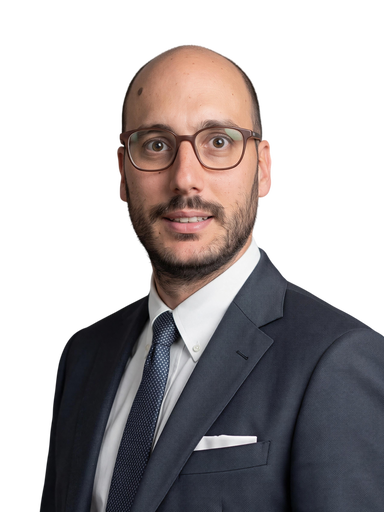
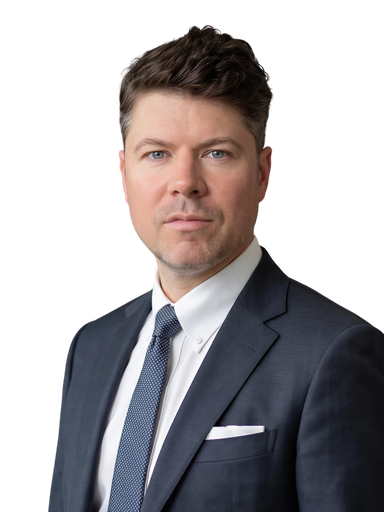
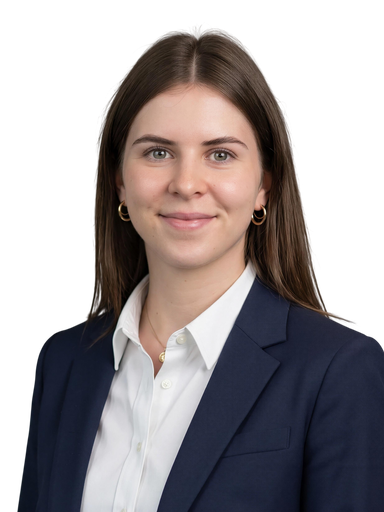
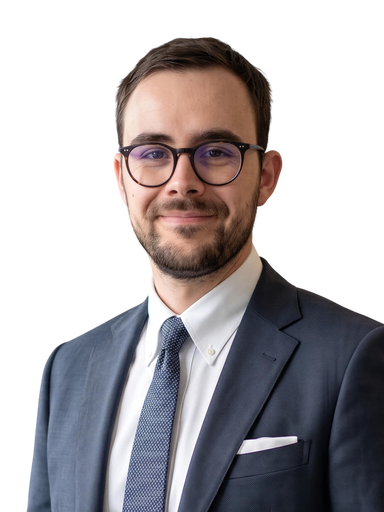
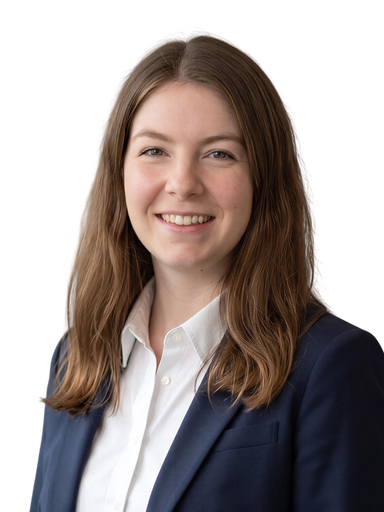
What the AI does – and what it does not
The person stays recognisable
Facial features, skin tone and personal characteristics are preserved. The AI employee headshot shows the person the way colleagues and customers know them.
Pose and composition
The selfie posture becomes a calm portrait pose. In the dashboard, you define what your company's portraits should look like.
Adjust clothing
Shirt, blazer or company shirt: with "Adjust clothing", the whole team wears the same dress code without anyone having to change.
One look for everyone
Every AI portrait runs through betterPortrait's own image processing pipeline. Background, lighting and crop are the same for everyone – unlike with freely generated images.
Manual retouching on request
Where the AI is not enough, our team retouches by hand. You decide per image whether it needs a finishing touch.
No obligation to use AI
AI variants are an offer: employees see them before submitting and decide for themselves whether to submit their original or an AI variant. The original is edited the classic way and still matches the team's look.
AI employee headshots compared
AI employee headshots you can stand behind
Labeled in line with the AI Act
Every AI image automatically carries an AI mark that travels with it into all formats. So you can prove at any time which portraits were created with AI.
With consent
Consent is collected and documented in the flow; no additional consent is needed for AI images. Employees can withdraw it at any time.
Stored in Switzerland
Selfies and portraits are kept on Swiss servers, compliant with the FADP and GDPR. betterPortrait is ISO 27001 certified.
Prefer the real photo?
AI employee headshots are an option, not a must. With classic image processing, your photo stays as it was taken – only background, lighting and crop are made consistent.
What our customers say
Frequently Asked Questions
AI employee headshots are portraits of employees created with the help of artificial intelligence. The term covers two things: photos that an AI edits (background, lighting, crop) and portraits that an AI creates anew from a selfie.
betterPortrait offers both. With the AI Selfie, a smartphone selfie becomes a business portrait in your company's look; it is automatically labeled as an AI image. With classic image processing, the photo stays as it was taken – only background, lighting and crop are made consistent.
Yes. Our model has been specifically trained for identity preservation – facial features, skin tone and characteristic traits are reproduced as accurately as possible. The prerequisite is that these features are clearly visible in the source image. With a poor-quality selfie or a partially obscured face, the AI must fill in missing details, which can reduce the resemblance. We therefore recommend a well-lit selfie with the face clearly visible from the front – our web app provides guidance during upload.
betterPortrait uses Content Credentials based on the C2PA standard (ISO/IEC 22144) – the open provenance standard backed by Adobe, Microsoft and Google, among others. The label is cryptographically signed and written directly into the image file, verifiable by anyone. This is exactly the mechanism the EU Commission references for machine-readable labeling under the AI Act.
Yes. AI variants are an offer: they are created before submission, employees see every image and choose themselves whether to submit their original or an AI variant. There is no additional consent for AI images – the consent collected in the flow applies.
Variants that are not chosen are deleted 7 days after the upload is confirmed or discarded. If no image is selected, the selfie and variants are deleted 7 days after the upload.
No. We guarantee this contractually. Uploaded images are used exclusively for portrait creation and are never used to train AI models. From a technical perspective, this wouldn't make sense either: to train our model, we need professional studio shots as target images – not selfies. All data is processed in compliance with GDPR and deleted after processing upon request.
Standard image processing does not alter the input image itself – it exclusively optimises lighting, background and crop. The person remains exactly as photographed. This is the right choice for use cases with biometric requirements, such as passport photos or ID cards.
AI Selfie goes one step further: a completely new portrait is generated from a simple selfie, with pose, proportions and composition optimised by the AI. The generated image then passes through the same editing pipeline. AI Selfie is ideal when employees don't have the time or opportunity to pose for a professional photo – a quick selfie is enough for a consistent, high-quality result.
The AI generation of the portrait takes about 60 seconds. Once you have confirmed the suggested pose, the image goes through the regular editing process – background replacement, lighting adjustment, retouching and crop. This step takes a few minutes depending on server load. In total, the finished portrait is usually available within a few minutes.
Try it out – no commitment required.
Experience for yourself how easy professional portraits are today.
Try betterPortrait free for 14 days – with three free credits for your first portraits. No commitment, no credit card.